

YOUR BROWSER IS YOUR STUDIO 01
 XYZ
XYZMade to be explored.
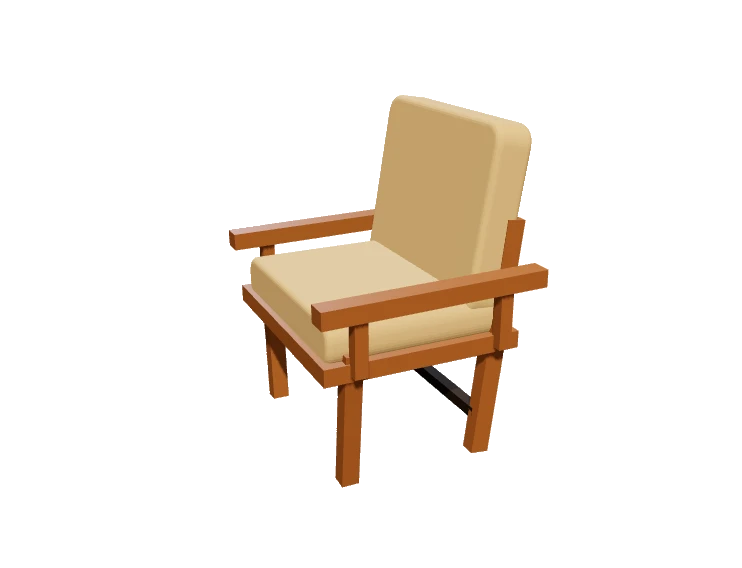
Orbit, refine materials, and find your angle.
See your product in a whole new light.
Try the interactive 3D demo NO ACCOUNT NEEDED
Create interactive augmented reality experiences from images, videos, 3D models and real-world objects—directly in your browser.
From a single product to an entire world, bring your vision to life
with tools made for the way you create.
Everything connects. Your assets, your scenes,
your audience. Less switching. More creating.
XYZOrbit, refine materials, and find your angle.
See your product in a whole new light.
Publish immersive AR experiences for
supported phones and browsers.
A scan becomes a story.
Connect packaging, places,
and people to your work.
Explore recorded views, scans, and interactions.

Turn your image into a self-contained framed model, then place it in an AR experience.
Create dimensional text, choose its finish, and export a 3D model for your scene or AR Builder.
Create, publish and manage immersive augmented reality experiences directly from your browser.
Move from a clean product asset to a polished scene, a shareable AR moment, and useful signals about what people explored.
Control the camera, output ratio, background treatment, contact shadows, and presentation preset before you export.
Open product render ↗Build a guided AR moment, share a clean link, and connect packaging or campaigns with a QR code.
Open AR builder ↗Understand views, scans, and interactions so the next scene starts with evidence, not guesswork.
Open analytics ↗Explore a few directions your next project could take.
Your imagination is the starting point.
Showing all 3 experiences.
Start with a product image or import a 3D model you already have.
IMAGINE / IMPORTCompose a scene. Refine the materials. Find the lighting that feels right.
CREATE / COMPOSEPublish an experience, share a link, and bring people closer with a scan.
PUBLISH / CONNECTA new dimension for your images.
GENERATION PROVIDER REQUIREDFrame a picture as a 3D asset.
WORKS IN YOUR BROWSERGive your words depth.
WORKS IN YOUR BROWSERSet the stage for something great.
Take your work beyond the screen.
One scan. An open world.
Keep your real and digital connected.
Learn from every interaction.
You can start with an existing model and explore it in the browser. The scene composer brings materials, lighting, and presentation into one workspace. Try the interactive demo above to get a feel for it.
Create product scenes, publish AR experiences, build dynamic QR campaigns, and manage digital twins. Image-to-3D generation is available when a generation provider is configured for your workspace.
AR depends on the device and browser. Compatible phones can place supported models in the real world; the web viewer provides a 3D viewing experience where AR is unavailable.
Yes. The live 3D demo lets you orbit a sample model and change its finish without signing in. Saving projects, generating assets, and publishing experiences require an account.
Visit our plans page to compare the available features and workspace limits. You can manage billing and your subscription from your account.
Your idea. Your world. Your move.
Enter your studio IMAGINE SOMETHING THEY CAN EXPERIENCE.Choose a presentation language before you render. Camera framing, ratio, background, and shadow treatment stay aligned to the job.
Neutral background, controlled shadow, and a balanced square composition for product pages.